MapEV Diag
What is MapEV Diag?
MapEV Diag is a free diagnostic tool, which allows you to:
- Scan all modules of your vehicle for fault codes and decode them.
- Save the complete scan to a text file.
- Clear fault codes in all or individual modules.
- Upload your powertrain controller data to our server for direct orders.
No registration or entry of any personal details is required. You may use it completely anonymously.
Requirements
You will need a BMW ENET cable and a PC with Windows 10 or later.
If your PC does not have an ethernet port, then you will additionally need an Ethernet to USB adapter.
The cable usually looks like this and costs around $10:
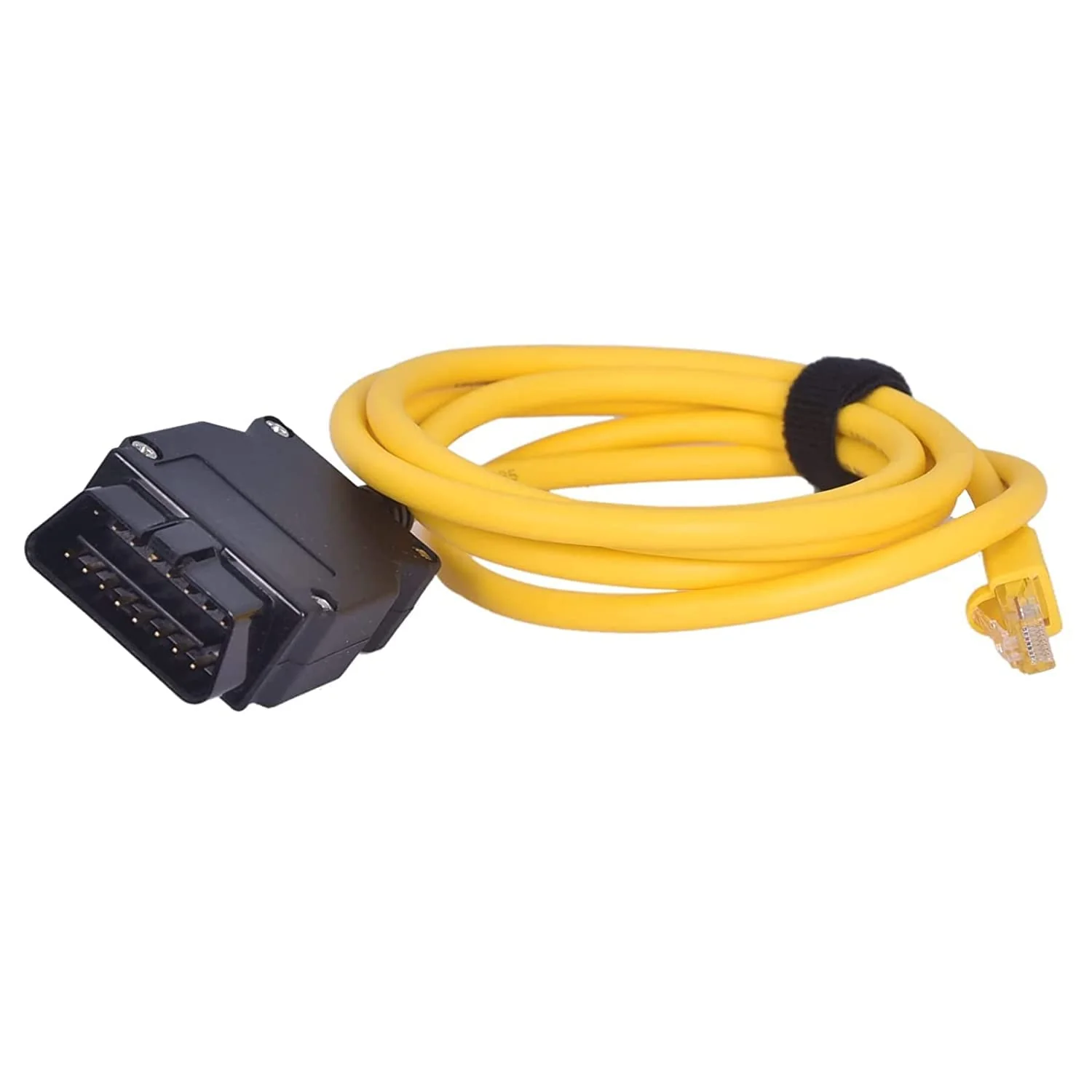
The simplest and fastest way to acquire a cable is by searching your local Amazon for “BMW ENET Cable”.
Installation
- Download the setup file here.
- Run the setup and allow the application to install.
- Start the application using the icon. The name of the application is “MapEV Diag”.
Operation

The application has six buttons. Their functions are as follows:
- Scan Vehicle – Detects and scans all modules in the car for faults, takes approximately 10 seconds.
- Save Scan – Saves the complete scan with all fault codes to a text file.
- Clear All DTCs – Clears all diagnostic trouble codes in all modules.
- Re-scan module – Scans the currently selected module again.
- Clear DTCs – Attempts to clear the diagnostic trouble codes in the given module, not all modules support individual commands.
- Read ASG Info – Reads and uploads the powertrain controller information to MapEV servers.
Once the scan completes, the detected modules are displayed on the left. Clicking on a module will display the details:
